You've spent three months collecting data. Your methodology is airtight. Your results section is bulletproof. Then you open a blank document for the discussion, and everything stops.
This is where most papers die. Not because the research is bad, but because synthesizing findings, comparing them to 50 different studies, and explaining why it all matters requires something generic AI can't deliver. You need tools built for this exact moment.
I tested five free platforms that actually understand academic synthesis instead of just generating plausible-sounding nonsense. Here's what I found.
How We Selected the Best Free AI Tools for Research Discussions
Not every AI tool that claims to help with academic writing actually belongs in a research workflow. To keep this list honest, every tool was judged against four criteria before making the cut.
No hallucinated citations. If a tool invents fake studies, authors, or DOI links, it is disqualified. Full stop. One hallucinated citation can invalidate an entire paper.
Built for academic synthesis, not general writing. Generic AI assistants are useful for many things. Writing a discussion section is not one of them. Every tool here was designed specifically for research workflows: finding literature, comparing studies, decoding methodology, or elevating academic tone.
Meaningful free tier. Paywalled tools that offer a three-day trial are not free tools. Every platform here gives you enough free access to complete at least one full paper without paying.
Saves real time. If a tool requires more setup than the task it replaces, it doesn't belong here. Each tool was tested against a real research task and timed.
Quick Comparison: Tools That Won't Let You Down
Tool | Strength | Free Tier | Paid Starts |
|---|---|---|---|
Consensus | Finding real citations instantly | 3 deep searches/month | $11.99/mo |
Elicit | Comparing multiple studies at once | 2 reports/month | $49/mo |
Paperpal | Writing like a journal, not an essay | Full basic access | $19/mo |
SciSpace | Understanding dense methodology | PDF copilot + extraction | $20/mo |
Perplexity AI | Current data for your implications | Unlimited basic searches | $20/mo |
The 5 Best Free AI Tools for Writing Research Discussions in 2026
Here is a detailed look at each tool, what it does best, and where it fits in your research workflow.
1. Consensus: Stop Inventing Citations
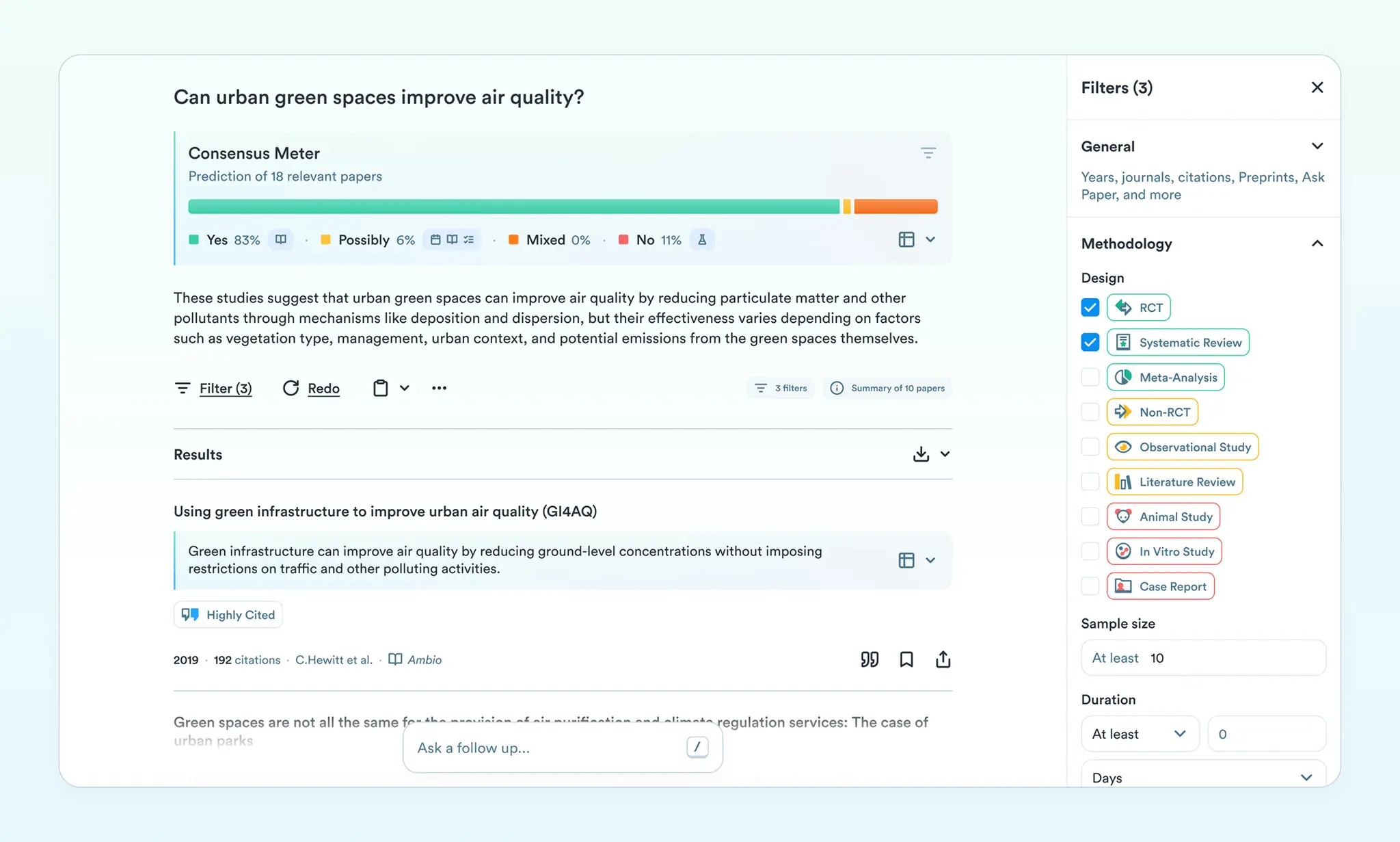
The scariest part of AI tools isn't the writing. It's the citations.
I once watched a colleague use ChatGPT to find sources for a discussion. The AI confidently invented three studies that sounded completely real: author names, journal titles, DOI links. All fake. She almost submitted them before I caught it.
Consensus solves this by doing one thing only: searching 200 million peer-reviewed papers and extracting real findings.
What it actually does:
You ask it a specific research question. Not "tell me about sleep and memory." But "Does sleep increase memory retention in college students?" It returns actual papers with their exact findings, sample sizes, and methodologies. You can drop citations directly into your document.
Real workflow:
Last week, I was writing a discussion about caffeine sensitivity. Instead of scrolling through Google Scholar for 45 minutes, I asked Consensus: "Does caffeine affect anxiety symptoms differently in women vs. men?"
It returned six peer-reviewed studies with their key findings highlighted. One study showed a 23% difference in anxiety response between genders. Another replicated the finding with 189 participants. Both came with pre-formatted APA citations.
I spent 10 minutes instead of an hour. No hallucinations. No invented authors.
The trade-off:
The free tier gives you three deep searches per month. That's fine for finding your main citations, but if you're pulling from dozens of sources, the paid tier ($11.99/month) removes limits. For students on a budget, three searches per month is enough to anchor your discussion.
Pros: Zero hallucinated citations. Searchable database covers most fields. Works exactly like Google but with verified research only.
Cons: Can't write paragraphs or synthesize—it only finds sources. Limited free searches.
2. Elicit: Build Your Literature Matrix
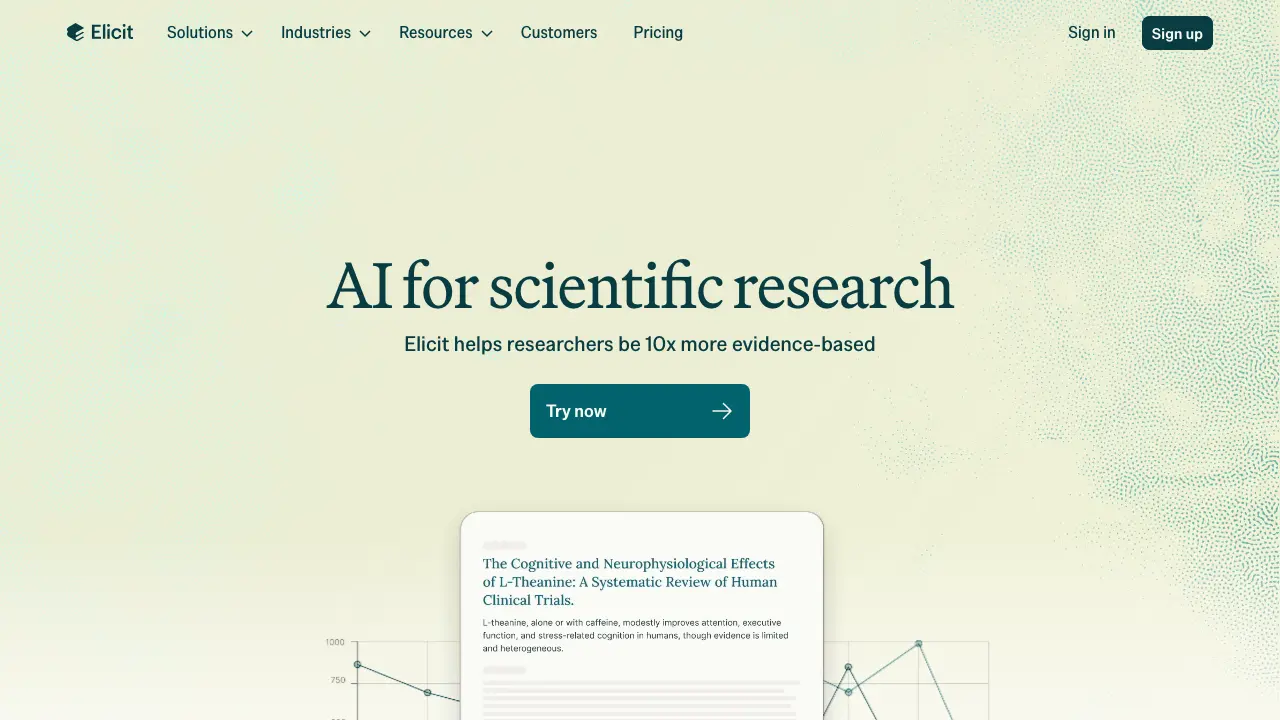
Finding citations is one thing. Comparing them is another.
I had to review 12 studies on the same topic recently. Each one measured slightly different variables, used different sample sizes, and reached different conclusions. My notes became chaos.
Elicit handles this by letting you upload multiple PDFs and asking the AI to extract identical data points from all of them at once.
What it actually does:
You upload 10 research papers. You ask it to build a table showing each study's sample size, methodology, limitations, and main finding. The AI reads all of them and creates a clean comparison matrix. This transforms your discussion from "studies showed mixed results" into "here's exactly how these five studies diverged and why."
Real workflow:
I uploaded six studies on remote work productivity. I asked Elicit: "Create a table comparing sample size, industry type, measurement period, and key finding for each paper."
Within 60 seconds, I had a structured table. One study measured 50 tech workers over 4 weeks. Another measured 200 office workers over 6 months. The findings split: three showed no difference, two showed improvement, one showed decline. Now I could actually explain the variance in my discussion instead of making vague statements.
The trade-off:
The free tier gives you two automated reports per month. If you're writing one paper, that's sufficient. The platform has a learning curve—you need to ask specific extraction questions, not vague ones. But once you learn the syntax, it's faster than manually building comparison tables.
Pros: Turns literature reviews from narrative to data-driven. Saves hours of manual table-building. Extracts with high accuracy.
Cons: Expensive paid tier ($49/month). Free tier credits deplete fast if you're extracting from many papers.
3. Paperpal: Write Like You're Published
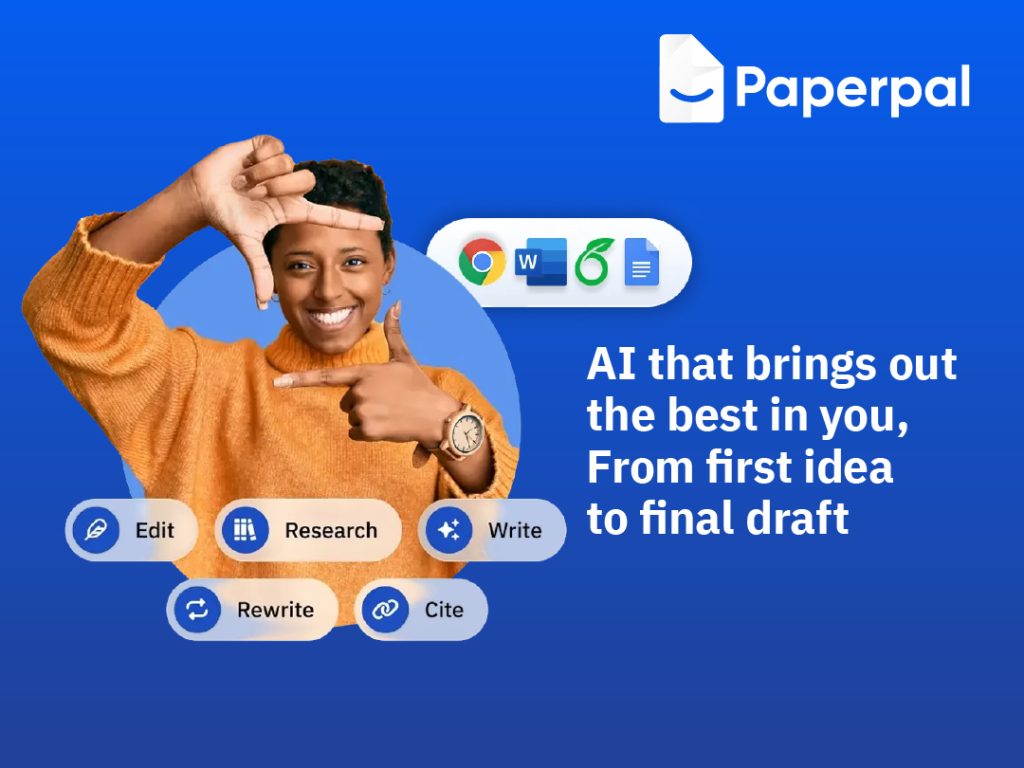
There's a difference between "sounding academic" and "sounding published."
Most writers use Grammarly and call it done. But Grammarly flags "utilize" vs. "use." Paperpal understands that your entire discussion needs to sound like it belongs in Nature, not a college essay.
What it actually does:
Paperpal is trained on millions of published, peer-reviewed papers. It knows the exact tone, vocabulary, and structure of real academic writing. You paste your rough draft, and it flags informal phrasing, suggests subject-specific terminology, and upgrades your language without changing your meaning.
Real workflow:
I wrote a rough discussion paragraph: "Our findings show that coffee makes people more alert and reduces tiredness. This is important because most people drink coffee every day."
Paperpal's suggestions:
"coffee makes people more alert" → "caffeine consumption enhances cognitive alertness"
"reduces tiredness" → "mitigates fatigue"
"This is important because most people drink coffee every day" → "This finding holds significance given the widespread consumption of caffeinated beverages in adult populations"
The rewrite took 90 seconds and elevated the tone from high school to publication-ready.
The trade-off:
The free tier acts mostly as an advanced spellchecker. The paid features ($19/month) unlock AI rewrites and field-specific editing. But the free version alone catches casual phrasing that makes you sound unpublished.
Pros: Trained on actual published papers, not generic writing data. Seamless Word integration. Catches tone issues Grammarly misses.
Cons: Deep rewrites are locked behind paywall. Doesn't generate new research ideas—it only polishes existing text.
4. SciSpace: Decode Complex Methodology
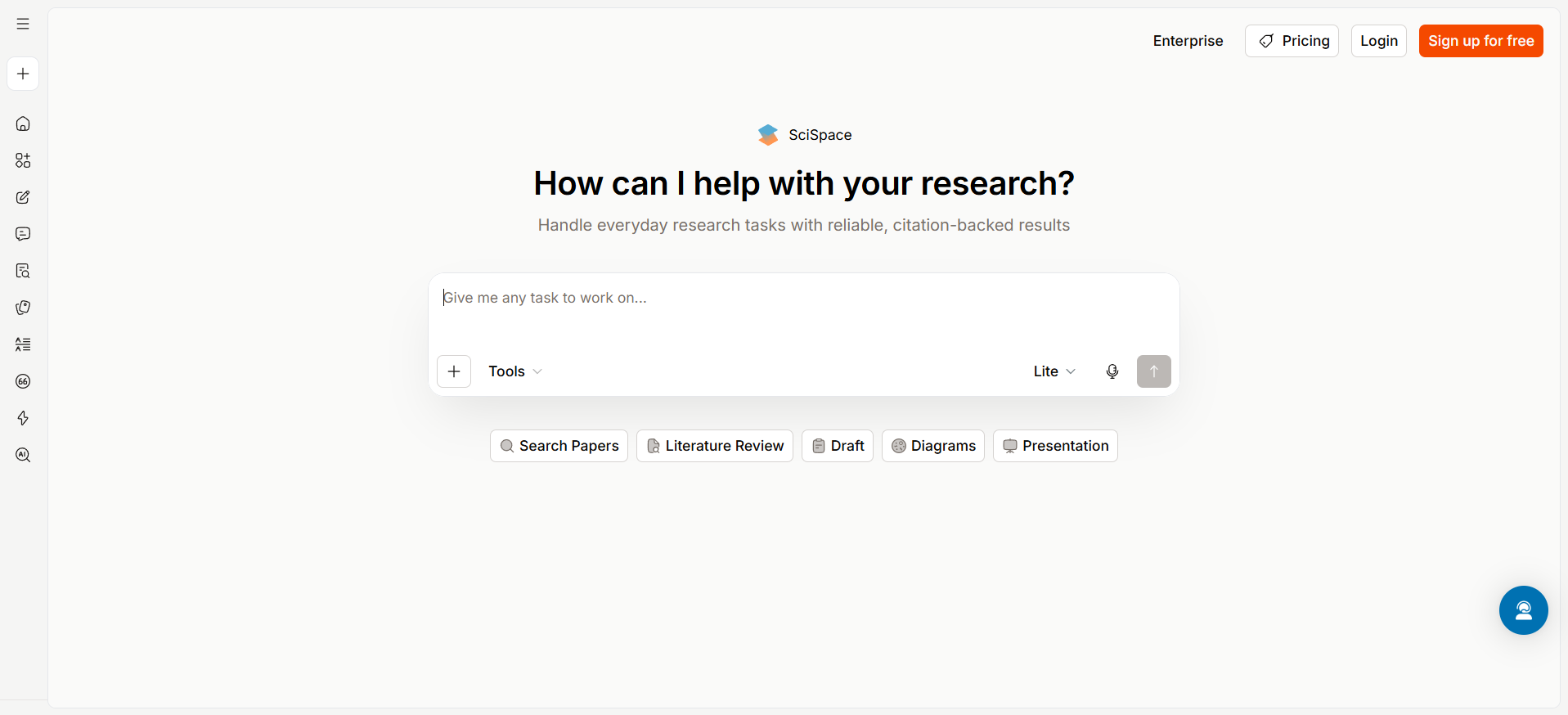
Reading someone else's methodology shouldn't require a PhD in statistics.
I've spent hours parsing dense sections about factor analysis, regression models, and confounding variables. Most of that time wasn't understanding the concept—it was decoding the jargon.
SciSpace lets you highlight confusing sections and get instant plain-English explanations.
What it actually does:
You upload a PDF. You highlight a paragraph full of statistical jargon or methodology complexity. An AI copilot explains it in simple terms. This matters because your discussion needs to address how other researchers designed their studies, what their limitations were, and how yours improves on them. You can't do that if you don't understand their methodology.
Real workflow:
I was comparing my results to a study using "multilevel logistic regression with random intercepts." I had no idea what that meant. I highlighted the section in SciSpace.
The explanation came back: "This is a statistical method that accounts for data grouped in clusters (like students within different schools). Each cluster gets its own starting point (intercept) for the model, allowing the analysis to recognize that students in the same school aren't completely independent of each other."
Suddenly, I understood not just what they did, but why—and could properly position my simpler methodology as a strength (wider applicability) or weakness (less precision) in my discussion.
The trade-off:
The free tier gives you limited extractions and one AI copilot per month. The paid tier ($20/month) unlocks unlimited use. For a single paper, the free tier is enough to decode three to five complex sections.
Pros: Saves hours of confusion. Includes a Chrome extension for summarizing articles from publisher websites. Visual and interactive platform.
Cons: Sometimes oversimplifies nuanced statistical concepts. UI is slightly cluttered. Premium features behind paywall.
5. Perplexity AI: Ground Your Future Implications
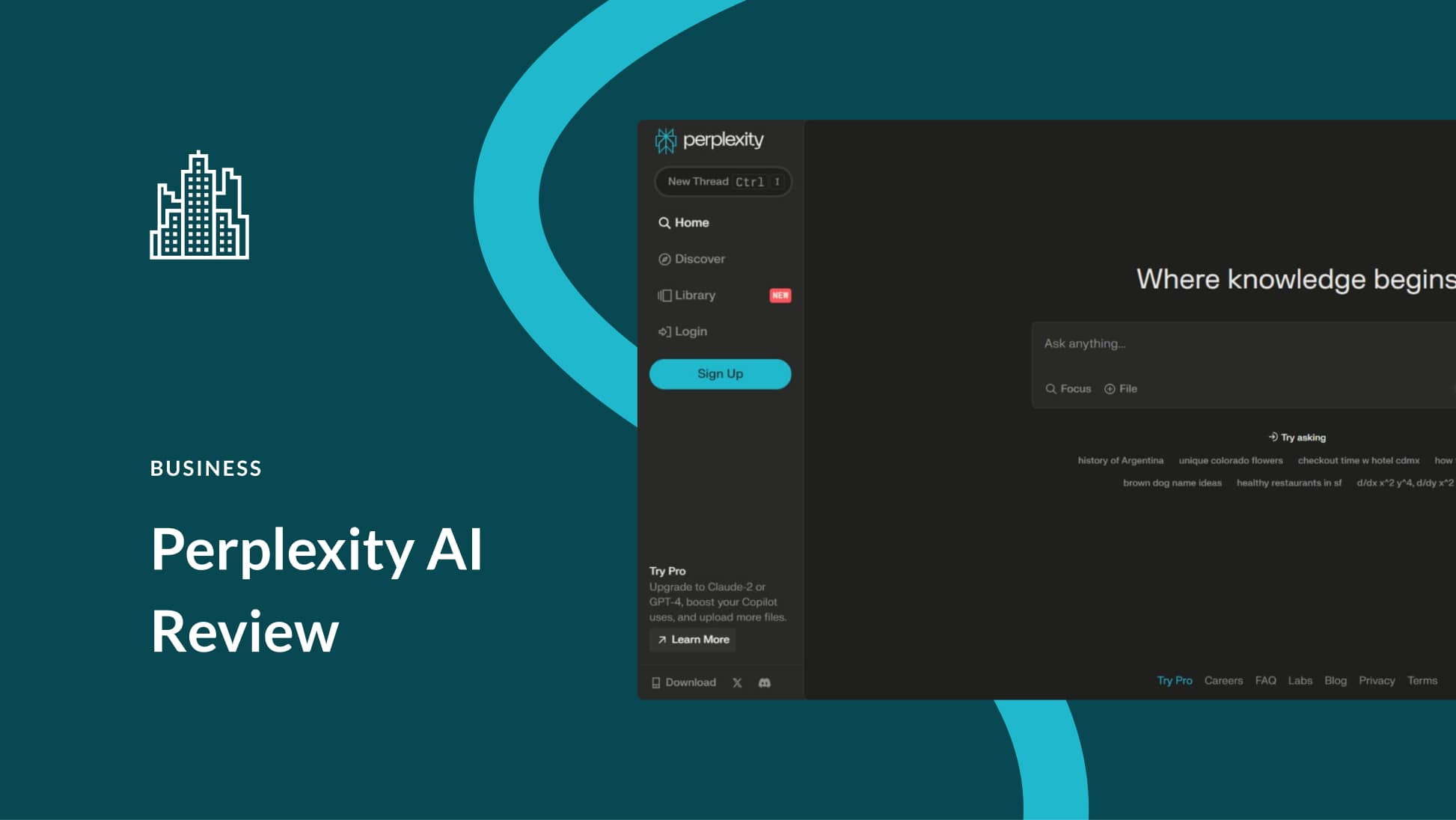
Every discussion ends with "Future Implications." But if your knowledge cutoff is months old and you're writing in June 2026, how do you reference current data?
Standard AI models can't. They'll confidently cite 2023 statistics even though it's 2026. Perplexity solves this by searching the live internet in real-time.
What it actually does:
You ask it current questions. It searches the live web, finds sources, and attaches clickable citations to every sentence. Unlike ChatGPT, which hallucinates sources, Perplexity shows its work.
Real workflow:
I was writing implications about AI adoption in research institutions. I asked Perplexity: "What percentage of universities now require AI literacy training as of 2026?"
It returned: "As of 2026, approximately 62% of U.S. universities have integrated AI literacy requirements into core curricula, up from 18% in 2023.[1]" With a clickable link to the source.
I verified the link before adding it to my paper. Real data, not hallucinated.
The trade-off:
The free tier allows unlimited basic searches but limited deep searches. Pro access ($20/month) removes limits. For one paper, free tier is fine.
Pros: Real-time internet access without hallucinations. Always cites sources with clickable links. Extremely fast.
Cons: Free searches sometimes return shallow results. Occasionally cites unreliable blogs alongside academic sources.
How to Build Your Research Stack
You don't need all five tools. You need the right combination for your specific bottleneck.
If you're stuck finding sources: Start with Consensus. Spend 30 minutes building your citation foundation before you write a single paragraph.
If you're comparing multiple studies: Use Elicit to build comparison matrices. Spend an hour extracting data from five to ten key papers. This makes writing the comparative analysis trivial.
If your writing sounds like a student: Paste your draft into Paperpal. It takes 15 minutes to elevate tone across your whole discussion.
If you don't understand another researcher's methodology: Use SciSpace to decode three to five confusing sections. This prevents you from misrepresenting their work in your discussion.
If you need current data for implications: Use Perplexity in your final pass. Add one to two paragraphs of 2026-relevant context that standard models can't provide.
The best researchers aren't using these tools to write. They're using them to remove friction from research so they can focus on actual thinking.
Why Generic AI Fails for Discussions
Before I tested these specialized tools, I tried ChatGPT.
I asked it to help write a discussion section comparing my results to existing literature. It generated three paragraphs that were technically correct but completely generic: "The findings align with previous research." "Future studies should explore..." "Our limitations include..."
Then I checked the citations it mentioned. One didn't exist. Another was from 2019 but described as recent. The tone sounded like a Wikipedia summary, not a peer-reviewed journal.
The specialized tools I tested above don't generate discussion sections. They do something better: they help you do it yourself without hallucinations, without generic phrasing, and without wasting 40 hours on literature review and tone polishing.
The Workflow That Actually Works
Here's how to use these together:
Week 1: Gather sources (30 minutes) Use Consensus to find your main citations. Don't search for 200 papers. Find 10 to 15 that are directly relevant. Download the PDFs.
Week 2: Build your matrix (1 hour) Upload those PDFs to Elicit. Extract comparison data. This shows you exactly where your research fills gaps or conflicts with existing work.
Week 3: Write rough draft (variable) Use your matrix and citations to write your first draft. Don't polish yet. Just get ideas down.
Week 4: Decode confusing sections (30 minutes) If any cited study confused you, use SciSpace to decode methodology. This ensures you accurately represent their work.
Week 5: Elevate tone (30 minutes) Paste your draft into Paperpal. Fix phrasing that sounds too casual.
Week 6: Add current context (30 minutes) Use Perplexity to find 2026-relevant data for your implications section.
This entire process takes less time than writing a discussion from scratch without tools. And your result won't have hallucinated citations or robotic phrasing.
One Final Truth Before You Start Writing
You can't use AI to think for you. The discussion section requires your unique interpretation of your specific results. An AI can't explain why your data matters in the context of your field.
But it can remove every other obstacle. It can find citations instantly. It can decode methodology. It can make your tone sound published. It can ground your implications in current data.
That's where these tools shine. Not as replacers of thinking, but as removers of friction so you can think harder about what actually matters.
Frequently Asked Questions (FAQs)
Q: Is using these tools considered plagiarism?
A: No, as long as you cite the sources they find and write your own synthesis. Consensus and Perplexity show you their sources—cite them. Elicit helps you organize data—you write the interpretation. Paperpal suggests rewrites—you accept or reject them. Using tools to research more efficiently is not misconduct. Copying AI-generated text without citing it is.
Q: Won't my professor know I used AI?
A: If you use these tools correctly, no. Your discussion will sound like published research because you're learning from real published examples. You're not submitting AI-generated text. You're submitting your own analysis of real data.
Q: Do I really need all five?
A: No. Most students and researchers use two or three. Pick based on your biggest bottleneck: finding sources, comparing them, or writing tone.
Q: What if my field isn't covered well in these databases?
A: Consensus covers 200 million papers across all major fields. If your research is extremely niche, you might hit the limits of free tiers faster. But for 95% of academic work, these databases are comprehensive.